n8n Payment and Refund Approval Workflows: Best Practices
n8n financial workflows need strict human-in-the-loop controls. Refund and payment approval patterns with amount routing, dual approval, and audit.
By Iiro Rahkonen on
TL;DR: Financial workflows are the highest-stakes category of n8n automation. A wrong AI classification can send real money out the door in seconds, and reversing it takes days or weeks. This post covers why payment and refund workflows need the strictest human-in-the-loop controls, plus the specific patterns that protect them: amount-based routing, dual approval, editable fields, mandatory justification, and the timeout and fraud-prevention rules that apply only when money is involved.
A customer emails your support address asking whether a bulk order qualifies for a partial return. Your AI agent reads the ticket, classifies the intent as "refund requested," matches it to the most recent invoice, and fires a full $12,000 refund through Stripe. No queue. No approval. The finance team finds out when the Slack notification arrives, informational, not a request for input. The money is already moving.
The direct loss was $12,000. Recovery took eleven days. The indirect costs were worse: reversal fees on both legs, a week of back-and-forth with the payment processor, an accounting correction that delayed month-end close, and a compliance review that consumed two people for two weeks.
In most automation categories, a wrong AI decision creates inconvenience, a badly worded email, a CRM field set incorrectly. In n8n payment approval workflows, it creates an immediate, measurable loss that someone in accounting or legal will find. This post is about the approval patterns that prevent that.
Why financial workflows need the strictest human-in-the-loop controls
Every category of n8n automation benefits from human oversight. Financial workflows demand it. Here is what makes them different.
Irreversibility. A refund issued through a payment gateway creates a new transaction involving the processor, the customer's bank, and days of settlement time. Even when you can reverse it, you pay fees in both directions. ACH transfers and wire payments are worse. Some are genuinely irreversible once they clear.
Regulatory exposure. SOX, PCI-DSS, and AML directives require demonstrable controls over financial decisions. "Our AI approved it" is not a control any auditor will accept. Every automated financial decision needs a defensible approval trail with a named human who signed off.
Fraud risk. AI systems that read unstructured input and take financial actions based on classification are targets. Prompt injection through customer-facing text fields is a documented attack vector, and financial workflows are the highest-value target because a successful manipulation results in money leaving your account.
Cascading effects. A wrong refund creates an accounting mismatch. The mismatch shows up in reconciliation. Reconciliation discrepancies trigger review. If the error is not caught quickly, it compounds into the kind of finding that changes how your organization handles financial automation.
These risks multiply. An AI-initiated refund that was fraudulently triggered, processed without authorization, and not caught until reconciliation hits all four failure modes simultaneously. The approval gate prevents a single bad classification from becoming a material financial event.
Common n8n financial workflow patterns that need approval gates
If you are building any of these in n8n, you need a human checkpoint before the money moves.
AI-classified refund processing. A customer submits a support ticket. An AI classifies the intent, looks up the order, and triggers the refund. The failure mode is misclassification, the customer was asking about return eligibility, not requesting a refund. Or the AI refunded the entire order when the customer wanted a partial refund on one item. The gate goes between the AI's classification and the refund execution.
Invoice data extraction. An AI model extracts line items and amounts from a vendor PDF. A $1,500.00 invoice becomes $15,000.00 because the OCR mishandled a decimal. Or a duplicate invoice arrives with slightly different formatting and gets processed as new. The gate goes after extraction, before the invoice is created in your accounting system.
Vendor payment initiation. An AI matches a purchase order to a received invoice and triggers payment. Wrong PO match, tolerance exceeded without flagging, or a duplicate payment slipping through. The gate goes after the match, before payment fires.
Subscription changes with billing impact. A customer requests a plan change. The AI interprets it and modifies the subscription. "I want to add three seats" becomes "I want to cancel three seats." The gate goes between the AI's interpretation and the billing system change, with the reviewer seeing the customer's exact words alongside the proposed action.
In each case, the reviewer needs full context: the original input, the AI's recommendation and confidence score, the relevant history, and the financial impact.
The approval pattern for n8n financial workflows
A basic approve/reject gate is not sufficient for financial decisions. Here is the pattern that works, independent of which tool you use to implement it.
Amount-based routing
Not every transaction needs the same scrutiny. Route based on the dollar amount:
- Under $50: Auto-approve with full logging. The reviewer's time exceeds the risk.
- $50 to $500: Single-approver review. Routes to a team member or team lead.
- $500 to $5,000: Routes to a finance manager. Higher authority, tighter SLA.
- Over $5,000: Dual approval required.

Your thresholds will vary. The key principle is that routing should be automatic based on the transaction amount, not dependent on the first reviewer deciding whether to escalate.
Dual approval for high-value transactions
Above your threshold, two independent reviewers must both approve before the transaction proceeds. The first approver reviews and approves. The task routes to a second approver who reviews independently. If either rejects, the transaction is rejected. The two approvers should not be the same person, and ideally should not report to the same manager.
This is segregation of duties, the control that exists because the cost of one person making a wrong high-value decision is categorically higher than the cost of a second review.
Editable fields
When a reviewer opens an n8n refund approval, the amount field should be editable. Without it, the reviewer's only options are to approve the full amount or reject entirely. Rejection means the customer waits while someone processes a partial refund outside the workflow, through a side channel, with no audit trail.
With editable fields, the reviewer changes $450.00 to $225.00, adds a note ("Partial refund, item used 30 days before return, restocking fee applied per policy"), and approves. The workflow receives the adjusted amount and processes it. One step, no side channels, full audit record.
Custom actions and mandatory justification
Financial reviews need more than a binary gate. Beyond approve and reject, reviewers need: approve with adjustment, flag for fraud review, and hold for additional documentation. Each action triggers a different downstream path.
Every approval and rejection also requires a written reason. "Approved, customer return within 30-day window, receipt verified, amount matches order total" is what your audit trail needs. "Approved" alone tells regulators nothing. Mandatory justification creates a defensible record and forces the reviewer to articulate their reasoning, which reduces rubber-stamping.
Timeout handling: never auto-approve on timeout
This is the most important rule in financial workflow design.
When a financial approval request times out, the default action must never be auto-approve.
The argument for auto-approve is that delayed refunds frustrate customers. True. But a fraudulent refund, an incorrect payment, or an unauthorized transaction is categorically worse than a delayed one. The cost of a late refund is customer friction. The cost of a wrong refund is a financial loss, an accounting correction, and potentially a compliance violation.
The timeout hierarchy for n8n financial workflows:
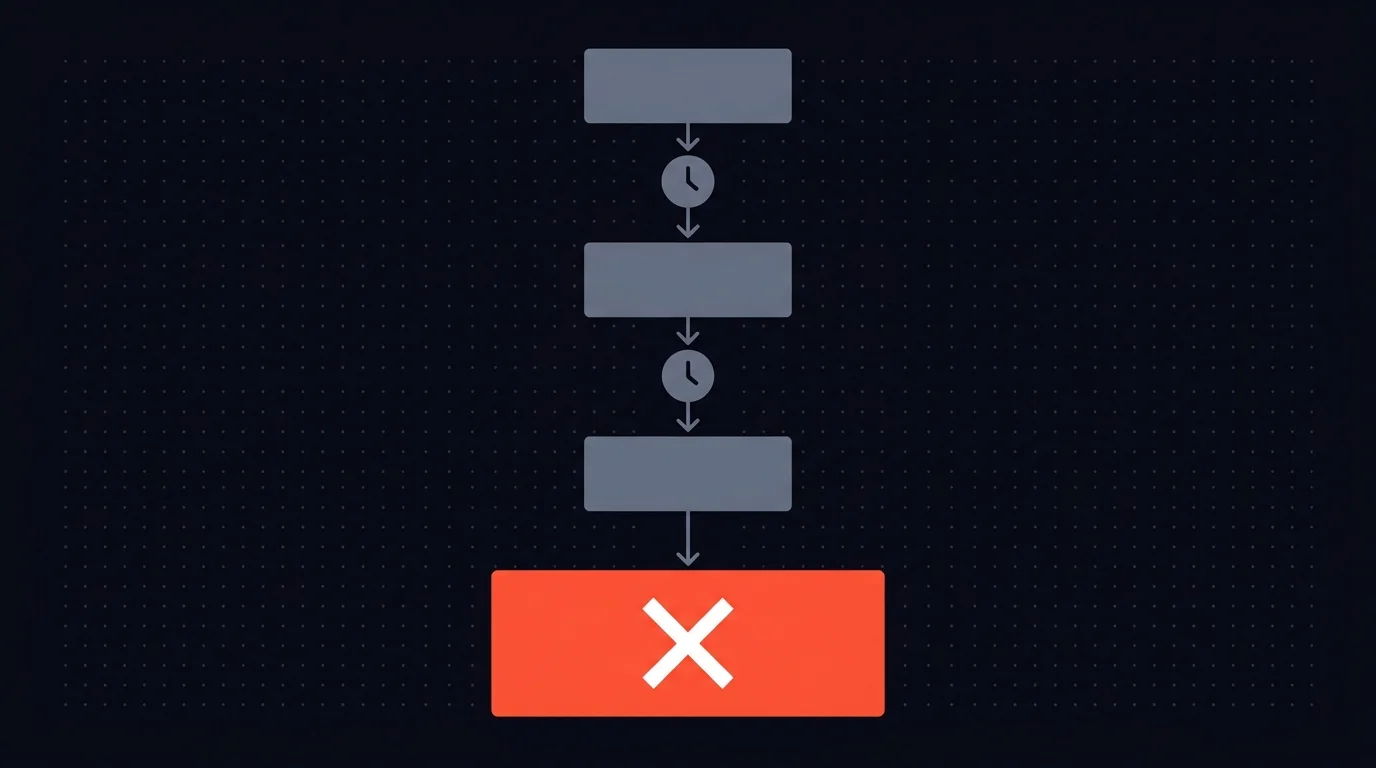
- Primary reviewer has not acted within 2 hours. Escalate to a backup reviewer.
- Backup reviewer has not acted within 4 hours. Escalate to a senior approver.
- Senior approver has not acted within 8 hours. Auto-reject and notify the requester to resubmit.
If auto-reject feels too aggressive, the alternative is "hold and alert", the transaction stays pending, but alerts go to every relevant stakeholder. The constraint remains: money does not move without an explicit human decision. No timeout, no system default, and no automation convenience overrides this rule.
If "money does not move without an explicit human decision" is already policy for your finance flows, join the early-access list for Humangent. Financial approvals are a core Humangent use case.
Fraud prevention: the human reviewer as a security control
If your n8n workflow reads a support ticket, passes the text to an AI for classification, and takes a financial action based on that classification, the customer's message is an input to your AI system. A malicious actor can craft a message that manipulates the classification.
A support ticket can contain hidden instructions, phrases the model associates with "refund requested" or patterns that suggest urgency. More sophisticated variants use formatting tricks or contextual manipulation to override the system prompt's classification logic.
The human reviewer is your defense against this. An AI manipulated via prompt injection presents its recommendation with the same confidence score as a legitimate classification. It does not flag its own compromise. The reviewer, looking at the original message alongside the recommendation, catches the mismatch: "This customer asked about shipping times. Why is the AI recommending a $2,000 refund?"
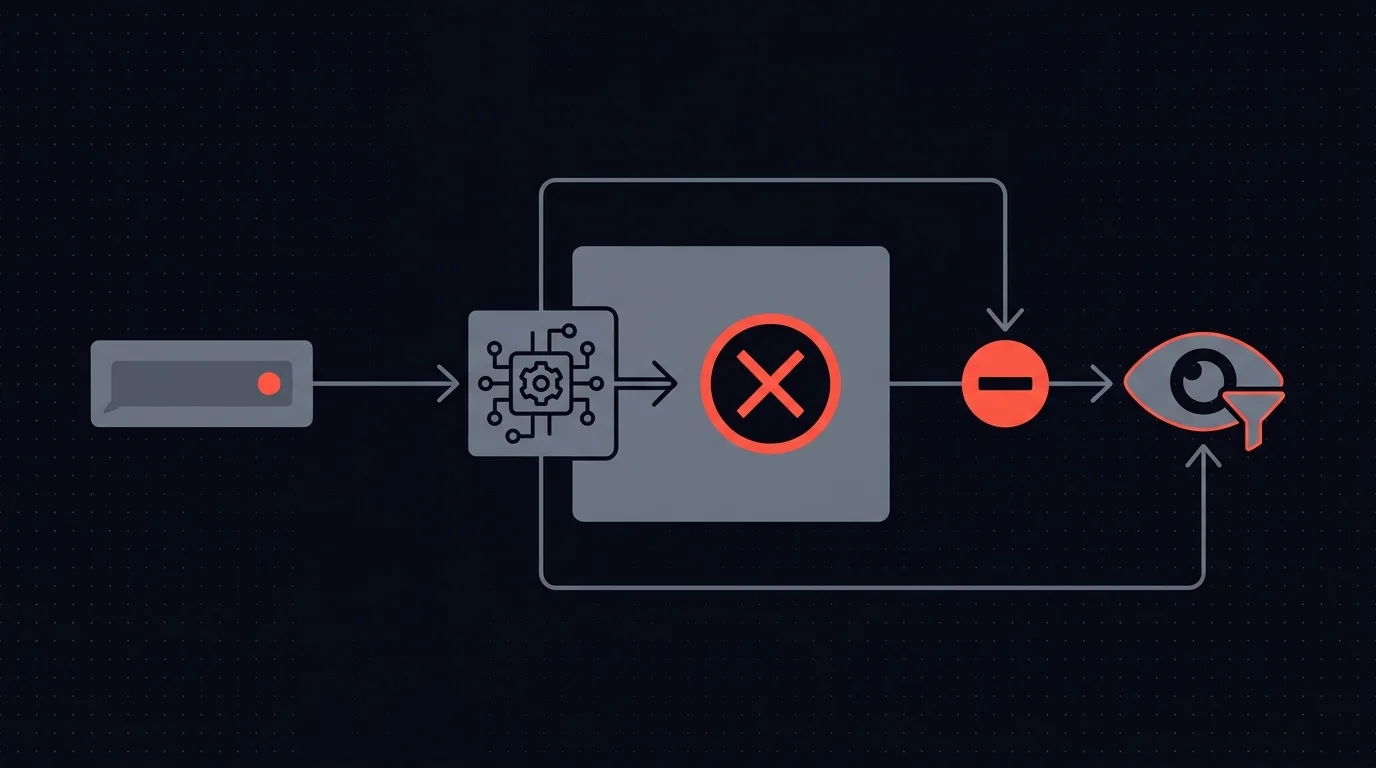
As AI-driven financial workflows become more common, they become more attractive targets. The approval gate is a security boundary. Quality control is the starter. Fraud prevention is the main course.
Audit trail requirements
Every financial decision in your n8n workflow needs a complete, immutable audit record. A complete record includes: the original AI recommendation (amount, action, confidence score), who reviewed it (a specific person, not a team), when they acted (timestamp with timezone), what action they took, what they changed (original vs. modified values), their written justification, and the final outcome (amount processed, transaction ID, execution timestamp).
This data must be immutable, once written, no one can edit or delete it. Store audit records outside the n8n execution log. Execution logs tell you a workflow ran. They do not capture who reviewed a decision, what they changed, or why. Write audit data to a dedicated database or logging service that supports querying, export, and retention policies aligned to your regulatory requirements.
For dual-approval transactions, capture both approval records independently.
Putting it together in n8n
The complete pattern: trigger (ticket arrives, invoice received) -> AI processing (classify, extract, recommend) -> amount-based routing (Switch node) -> approval request via HTTP Request with full context -> Wait for Webhook until the reviewer responds or escalation resolves -> branch on the decision -> execute the financial action -> write the audit record.
The approval step is where most teams either build a fragile custom solution or skip the human checkpoint entirely. Building it yourself means constructing a review UI, managing webhook callbacks, implementing routing logic, handling escalation that never auto-approves, supporting editable fields, enforcing dual approval, requiring justification text, and maintaining an immutable audit log. That is significant engineering, and none of it is your actual financial workflow.
Where Humangent Fits
Humangent is the approval control layer for n8n workflows, with financial approvals as one use case: amount-based routing, dual-approval chains, editable amounts, mandatory justification, escalation that never auto-approves, and audit-ready logs before n8n touches billing or payment systems.
Financial workflows are a major early-access use case: refunds, invoices, vendor payments, subscription changes. If your situation genuinely fits n8n's built-in Send-and-Wait, use it. If you need the stricter pattern this post describes, the waitlist is the way in.
Q&A
Can I auto-approve small refunds to reduce reviewer workload? Yes, below a threshold that makes sense for your business. But "auto-approve" still means "log everything." Every auto-approved transaction should be recorded with full context and the fact that it was auto-approved under your threshold policy.
How do I handle dual approval when one approver is out of office? Escalate. If the second approver does not act within the configured window, the task routes to a backup at the same authority level. Your routing should have at least two people qualified for each approval tier.
What is the difference between "flag for fraud" and "reject"? A rejection closes the loop, the refund is denied and the workflow ends. A fraud flag pauses the financial action and routes the case to your security team for investigation. The transaction stays open until the investigation concludes. They are different workflow paths with different downstream handling.
Should I use n8n's built-in Send-and-Wait for financial approvals? Send-and-Wait works for simple, low-stakes flows -- and it does more than people assume. The Custom Form response type lets you pre-fill the proposed refund amount and require a justification field the reviewer must complete, all on a single node. Editable fields and mandatory justification are genuinely there.
What financial workflows still need beyond native Send-and-Wait: amount-based routing to the right reviewer tier, dual approval, multi-step escalation that never auto-approves, reviewer identity at the account level, and an audit trail recording who saw the request, when, and what they edited. You can build all of those with additional n8n nodes. The complexity adds up -- 20+ nodes per workflow for a proper financial approval pattern, and you are still on execution logs for the audit story.
Related guides
- How to build an n8n approval workflow — base patterns this post extends
- Multi-level approval workflows in n8n — dual approval mechanics
- Audit trails for n8n AI agents — what the immutable record needs to capture
- n8n approval timeouts and escalation — timeout patterns that never auto-approve
If n8n is about to issue a refund, credit, payment action, or billing update, Humangent is the approval control layer for n8n workflows — amount-based routing, dual-approval chains, escalation that never auto-approves, and an audit trail before the money moves. Join the waitlist at humangent.io. Founding-team pricing for waitlist members.
Related Humangent resources
Humangent is for teams using n8n that need approval routing, escalation, multi-level sign-off, editable review fields, and a decision record before a workflow writes into another system.
The core pattern is simple: n8n sends the request, the reviewer sees the context, the reviewer chooses or edits the decision, and n8n resumes from a callback with a record attached. That keeps approval logic out of fragile Slack threads and makes the human decision visible to the team that owns the outcome.
These guides cover where to place human checkpoints, how to handle timeouts, when to route to another reviewer, what to record for audit, and when n8n built-in approval options are enough. The goal is practical workflow control for teams past the prototype stage.
For simple one-reviewer workflows, n8n built-in approval options can be enough. The need for a separate approval control layer shows up when several workflows compete for the same reviewers, when a backup reviewer needs to take over on a deadline, or when the team lead needs to reconstruct the decision after the workflow has already written to another system.
Humangent centers on that team operating model: one reviewer account across workflows, configurable routing, and a decision trail that belongs to the approval process. No scattered execution logs and chat-message archaeology.